Scaling cold outreach is a balancing act. Send too little and you starve your pipeline. Send too much and you burn your domains. Most teams get this wrong — they ramp volume too fast, ignore warning signs, and wonder why their deliverability crashes. Monitor rather than assume — MXToolbox will tell you a domain is listed long before reply rates make it obvious.
This guide shows you how to scale cold outreach safely. You will learn the volume limits, the warning signs of domain burning, and the systematic approach to scale without burning.
The Domain Burning Problem
When you send cold email, ISPs monitor your domain. If you send too much, too fast, or to poor-fit lists, they flag your domain. Your emails go to spam. Your reply rates crash. Your domain is burned.
Recovering a burned domain takes weeks or months. You have to stop sending, wait, and slowly rebuild trust. Meanwhile, your pipeline dries up.
The solution: scale systematically, monitor relentlessly, and rotate domains before they burn.
The Safe Scaling Framework
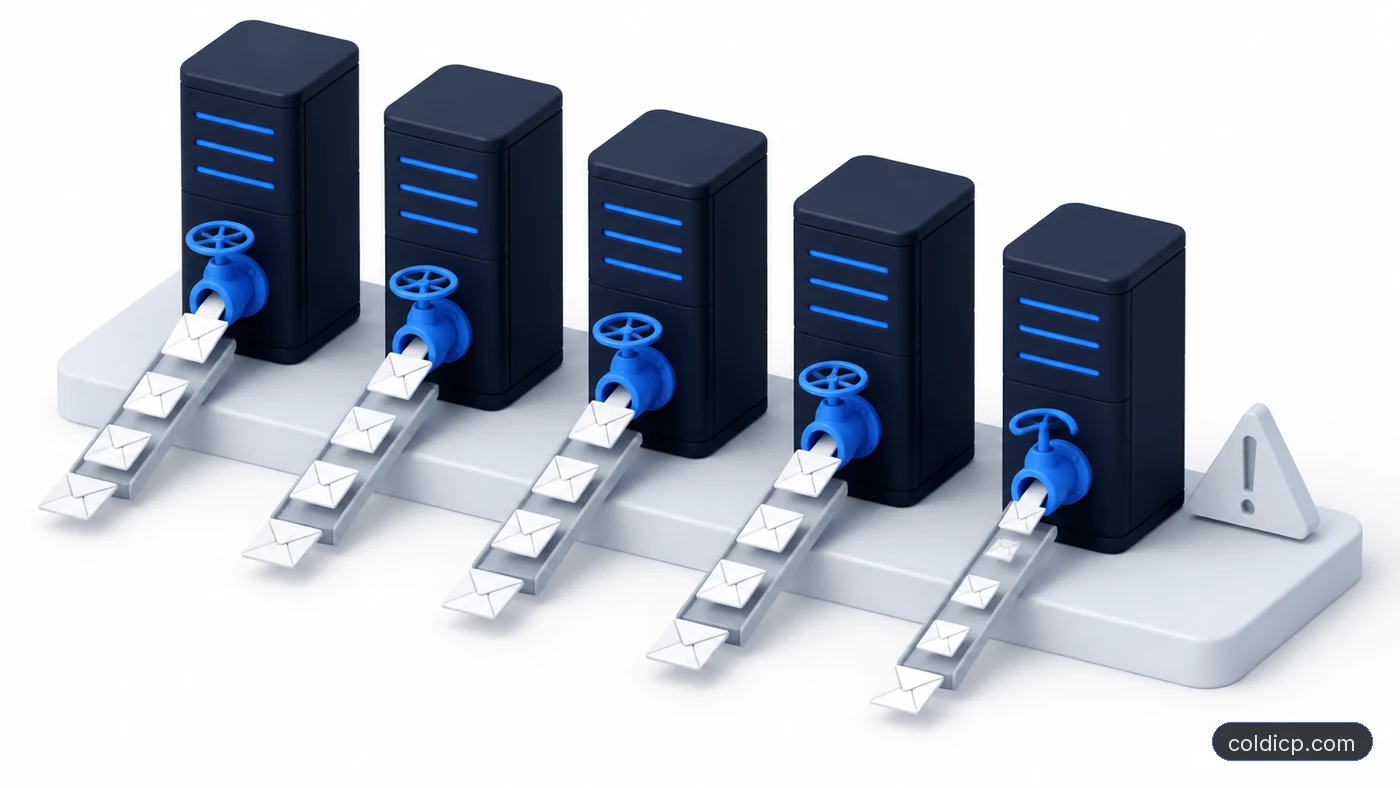
Principle 1: Use Multiple Domains
Never rely on a single sending domain. Use 3-5 domains minimum. This spreads risk and increases volume capacity.
Volume per domain:
- Month 1 (warmup): 20-50 sends/day
- Month 2: 50-100 sends/day
- Month 3: 100-200 sends/day
- Month 4+: 200-500 sends/day (max)
With 5 domains at 200 sends/day each, you can send 1,000 emails daily without burning.
Principle 2: Rotate Domains Every 6-9 Months
Even properly warmed domains accumulate reputation over time. Rotate them every 6-9 months. Spin up new domains, warm them for 30 days, then sunset old domains.
This is not optional. Domains that have been sending for 18+ months are more likely to trigger spam filters, even if you are doing everything right.
Principle 3: Monitor Warning Signs
Track these metrics daily. If any spike, investigate immediately:
- Bounce rate spike: Normal is under 2%. Over 5% means list trouble.
- Spam complaint increase: Any complaints are bad. Sudden spikes are critical.
- Reply rate drop: If reply rates fall 50%+ overnight, something is wrong.
- Placement shift: If emails go to spam instead of inbox, investigate.
Principle 4: Prioritize List Quality Over Volume
The safest way to scale is to improve list quality. High-fit lists (90%+ accuracy) protect your domains. Low-fit lists (50% accuracy) burn them.
At COLDICP, we use semantic filtering to build high-fit lists. We see 90-95% list accuracy versus the industry average 50-60%. The result: higher reply rates and safer domains.
Throttle the Send Rate, Not Just the Daily Cap
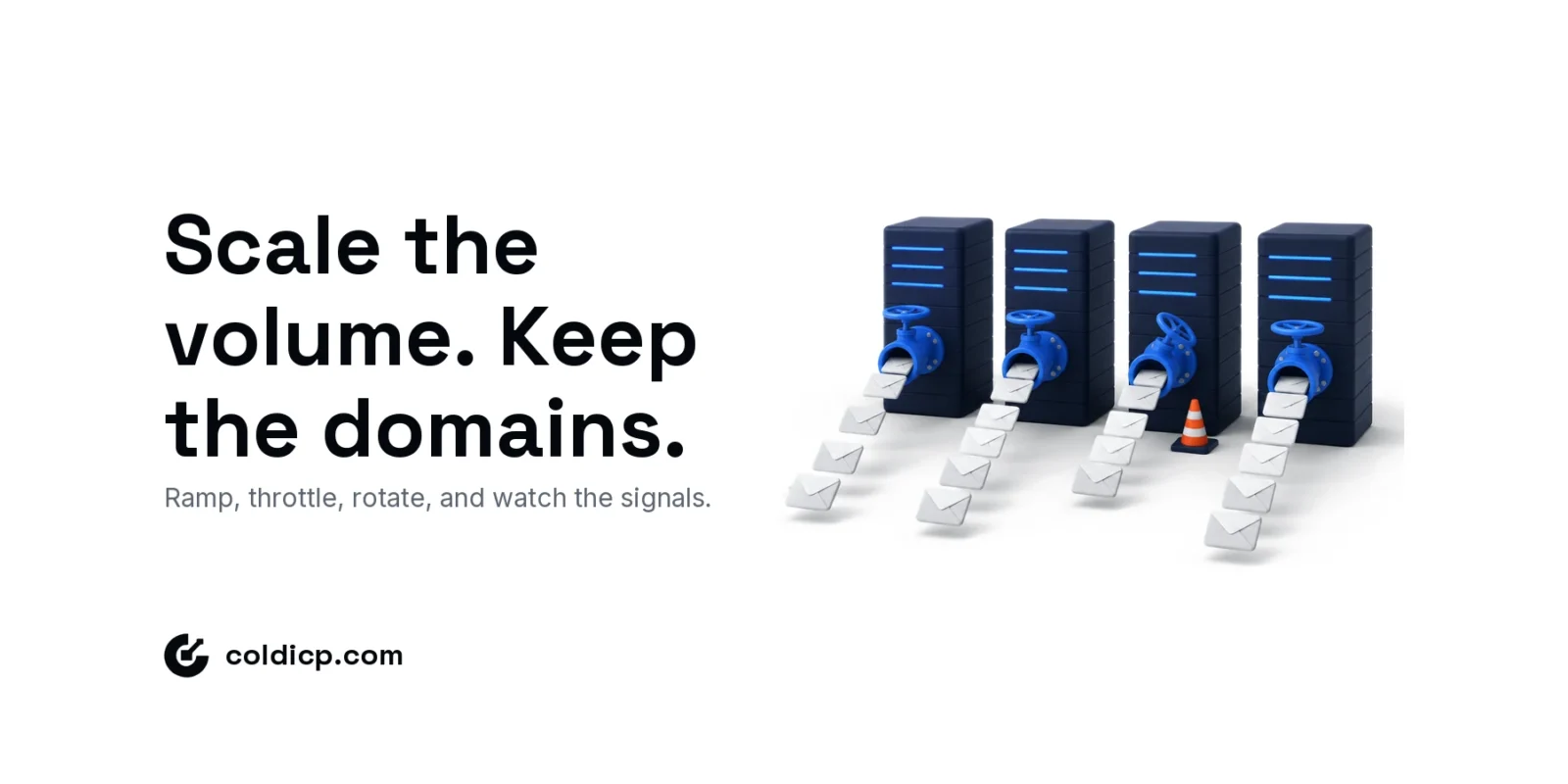
A daily cap limits how much a domain sends. Throttling controls how that volume goes out, and mailbox providers judge the pattern as much as the total. Throttling works on four layers.
| Layer | What it controls | Rule of thumb |
|---|---|---|
| Mailbox | Sends per inbox, per day and per hour | Spread volume across several inboxes, so no single inbox carries a campaign |
| Domain | Total sends across every mailbox on the domain | Stay inside the phase ceiling in the 90-day plan below |
| Sequence load | Follow-ups already committed to earlier contacts | Budget capacity for every step, not only for new leads |
| Time window | Spacing between individual sends | Random gaps inside working hours, never a batch at the top of each hour |
Sequence load is the layer teams miss. Add 50 new contacts a day to a four-step sequence and, once every step is live, the domain sends about 200 emails a day, even though new-lead volume never changed. Set the cap on total emails in motion.
Throttling must also react to feedback. When bounces rise, spam placement increases, or providers start returning temporary deferrals (4xx responses), cut the pace before you change anything else. A deferral is the provider asking you to slow down. Pushing through it turns a temporary block into a reputation problem.
How to Scale: The 90-Day Plan
| Phase | Days | Volume per Domain | Total Daily Volume |
|---|---|---|---|
| Warmup | 1-30 | 20-50 | 100-250 (5 domains) |
| Ramp | 31-60 | 50-100 | 250-500 (5 domains) |
| Scale | 61-90 | 100-200 | 500-1000 (5 domains) |
| Max | 90+ | 200-500 | 1000-2500 (5 domains) |
Tools That Help
| Tool | Purpose | Pricing |
|---|---|---|
| Instantly | Automated warmup + sending | From $37/mo |
| Smartlead | Automated warmup + sending | From $39/mo |
| MxToolbox | Blacklist monitoring | Free |
| Google Postmaster Tools | Gmail deliverability data | Free |
| SNDS (Microsoft) | Microsoft sender health | Free |
Common Mistakes
- Ramping too fast: Going from 0 to 500 sends/day in a week burns domains.
- Ignoring bounces: High bounce rates are a warning sign. Investigate before sending more.
- Sending to bought lists: Purchased lists often contain spam traps. One spam trap can burn your domain.
- Single domain dependency: If you have one domain and it burns, your outbound motion is dead.
- No monitoring: If you do not track metrics, you will not know your domain is burning until it is too late.
Further Reading
Email Warmup: How to Warm Up New Domains Safely
Sending Domain Setup for Cold Email: Step-by-Step
The Bottom Line
Scaling cold outreach requires discipline. Use multiple domains, ramp volume slowly, monitor metrics relentlessly, and rotate domains every 6-9 months. Signal-based cold emails get 5-18% reply rates while protecting your domains.
At COLDICP, we scale outbound for every client. We use 5+ domains, monitor deliverability daily, and rotate domains on a schedule. That is why our clients see 98%+ inbox placement even at scale.
Ready to build an outbound system that generates consistent pipeline? See how COLDICP builds outbound engines for B2B teams.
If you would rather have this built and run for you, book a meeting.
FAQ
How many domains do I need?
Minimum 3. Ideal is 5-10. More domains spread risk and increase volume capacity.
Can I reuse a burned domain?
Eventually. Stop sending, wait 60-90 days, then re-warm slowly. Recovery is not guaranteed.
What is the biggest domain burning mistake?
Sending to low-quality lists. Poor-fit prospects complain and mark spam. That burns domains faster than anything else.
Should I use a email verification service?
Yes. NeverBounce, ZeroBounce, or similar tools catch invalid emails before you send. This reduces bounces and protects your domains.