Every cold email you send is scored before a human ever sees it. Inbox providers weigh your authentication records, your domain’s sending history, your list quality and your recipients’ reactions, then decide inbox, spam or reject. This email deliverability checklist covers the six layers that determine which of the three you get.
At COLDICP, deliverability is the foundation under every outbound system we build. Without it nothing else matters — not the copy, not the ICP targeting, not the sequence structure. A 3% reply rate on a list that never reaches the inbox is a 0% reply rate.
Why Email Deliverability Gets Harder Every Year
Inbox providers run a probabilistic filter. They are not reading your emails, they are scoring signals: sender reputation, authentication, engagement history, sending patterns and list quality all feed a score that decides placement.
Three things raised the bar recently:
- Bulk sender requirements. Any sender pushing more than 5,000 messages a day to Gmail must have SPF, DKIM and DMARC in place, per Google’s email sender guidelines. Yahoo enforces the same floor. Microsoft runs its own version of this floor for Outlook and Exchange — see Microsoft’s sender requirements for B2B senders.
- One-click unsubscribe. Required for bulk senders. A missing
List-Unsubscribeheader is read as a direct spam signal. - Published spam-rate thresholds. Google Postmaster Tools shows a 0.10% warning level and 0.30% enforcement level. Above 0.30% you are actively filtered, and recovery is slow.
None of this is aimed at you specifically. It is aimed at the volume of automated mail that followed cheap AI content generation, and you are sending into the same filter. AI sending agents raise the stakes further — see why AI agents make cold email infrastructure the moat.
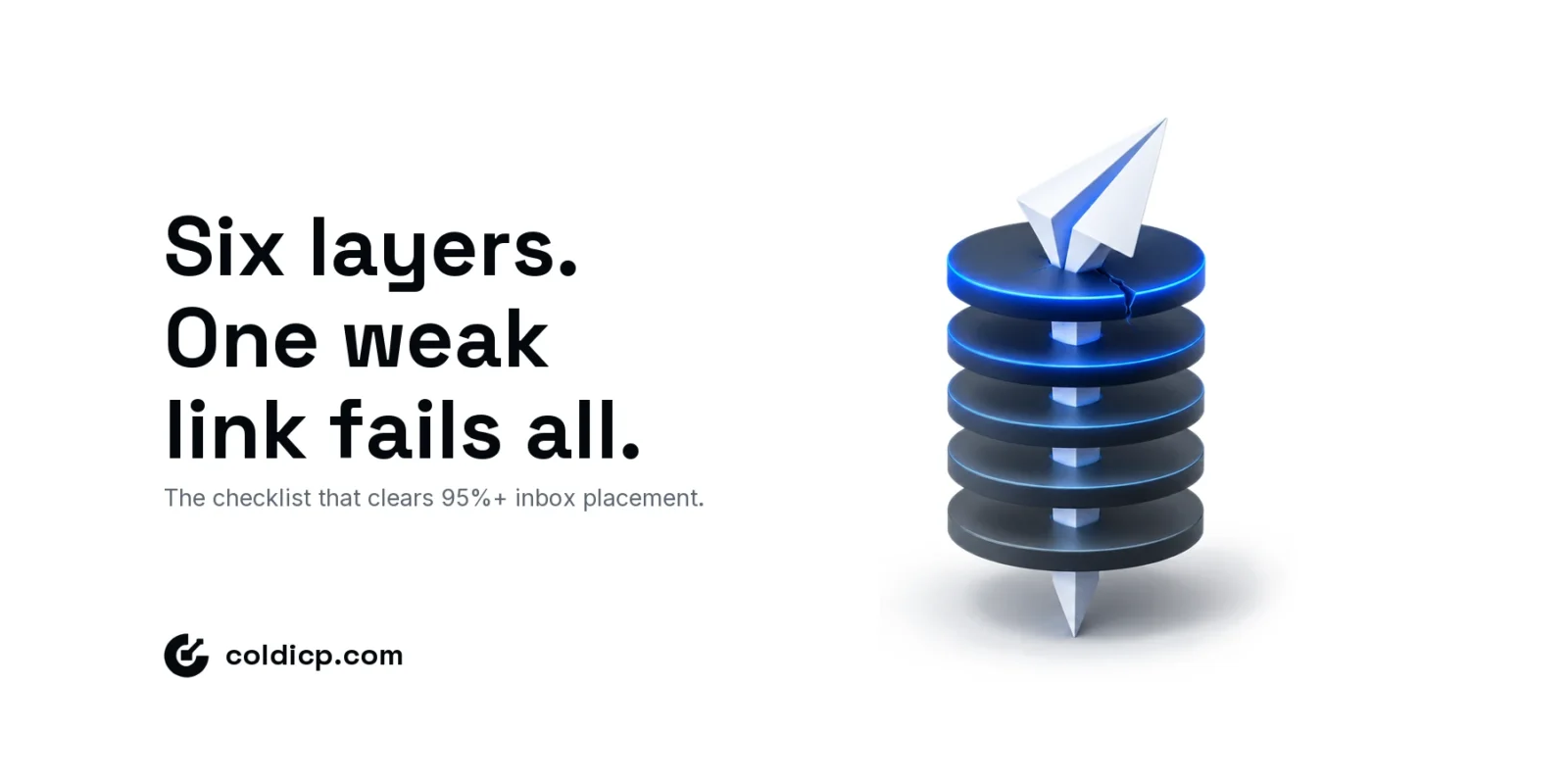
Inbox placement is not one setting. It is six layers holding each other up, and the weakest one sets your ceiling.
What This Email Deliverability Checklist Covers
A batch of 10,000 sends loses recipients at every layer — the numbers below are a representative example, not a guarantee, but the shape holds across well-run programmes:
| Stage | Emails remaining | What it confirms |
|---|---|---|
| Sent | 10,000 | Total batch |
| Authenticated | 9,940 | SPF + DKIM + DMARC pass |
| Reputation-cleared | 8,700 | Domain warm, complaints under 0.1% |
| Delivered | 8,410 | No hard bounce, no block |
| Inbox (not spam) | 7,980 | The number that actually matters |
Six layers, in the order they depend on each other. Work them top to bottom — each one assumes the one above it is already true, and skipping ahead is why most setups stall at 60% placement:
- DNS authentication — MX, SPF, DKIM and DMARC on every sending domain
- Domain warmup — four to six weeks of manufactured sending history
- Infrastructure architecture — three to five domains, volume distributed
- List quality — verification, segmentation and suppression
- Content and behaviour — what you write and when you send it
- Monitoring and recovery — the numbers to watch and what to do when they move
Layer 1: DNS Authentication Records
Authentication is table stakes. Without it you are not in the game. Our full walkthrough covers how to set up MX, SPF, DKIM and DMARC for cold email; this layer is the checklist of what must be confirmed before any send.
MX records
Your sending domain needs active MX records. A domain that cannot receive email looks abandoned, and abandoned domains are a classic throwaway-spam pattern. Put Google Workspace or Microsoft 365 on every sending domain, not just the primary.
SPF
One TXT record per domain listing every authorised sending host. Exactly one SPF record per domain — merge all senders into it rather than publishing a second. Keep DNS lookups under the limit of 10 that RFC 7208 sets, or evaluation returns permerror and the record stops helping you. Use ~all while you confirm the sender list, then move to -all.
Example: v=spf1 include:_spf.google.com include:spf.instantlyai.com -all
DKIM
A 2048-bit key per sending platform, generated inside that platform and published as a CNAME or TXT record. Each platform needs its own selector — one DKIM record does not cover a second tool. Confirm the signature verifies before you send; RFC 6376 defines what receivers check.
DMARC
Start at p=none and watch the reports. Move to p=quarantine after two to four weeks of clean data, then p=reject. Always set rua so you actually receive aggregate reports:
v=DMARC1; p=quarantine; rua=mailto:[email protected]
Publishing DMARC without a policy progression plan is the common failure — teams set p=none, never read a report, and never advance. DMARC.org’s overview explains the alignment rules the policy depends on. A correctly progressed DMARC policy is also your main defence against domain spoofing — see how domain spoofing protection affects your cold email setup.
Layer 2: Domain Warmup
A new domain with clean DNS is authenticated but not trusted. Trust comes from history, and warmup manufactures that history gradually.
| Week | Daily send volume | Warmup tool | Manual sends |
|---|---|---|---|
| 1–2 | 10–20 | Active | Yes — to known contacts |
| 3–4 | 50–100 | Active | Optional |
| 5–6 | 150–200 | Active | No |
| 7+ | Up to 500 | Ongoing | No |
Use a dedicated warmup network — Instantly, Smartlead and Mailreach all run one. They exchange mail between real accounts and mark it important, which builds the engagement signal that raw volume cannot.
Never skip warmup on a new domain. Going from zero to 300 sends on day one is the shortest path to a blacklist.
Layer 3: Sending Infrastructure Architecture
Your primary business domain should never carry cold outreach. One blacklisting on a shared domain poisons your transactional and marketing mail along with the campaign.
The architecture we deploy:
- Three to five sending domains minimum per active campaign
- No single domain above 200–500 sends a day, with volume rotated across the set
- Slight brand variations —
usecoldicp.com,trycoldicp.com,getcoldicp.com - Full MX, SPF, DKIM and DMARC on every one of them
- Forwarding configured so replies land in one monitored inbox
Multi-domain architecture is what keeps a single bad week from ending a campaign: reputation risk is distributed, and one domain going cold does not take the programme with it.
Layer 4: List Quality and Hygiene
Perfect infrastructure cannot survive a dirty list. Bounces and complaints hit sender reputation directly, and they hit it faster than good sending repairs it.
Verification
Verify every address before it enters a sequence. Keep hard bounces under 2% — above that, providers start treating the domain as a spam source rather than a careless one. Our B2B email list cleaning guide covers the verification workflow in full.
Segmentation
Do not send your whole TAM the same sequence at launch. Open with the tightest, most qualified segment. Their opens and replies create the positive signal that protects the domain as you scale volume behind them.
Suppression
Unsubscribes come out immediately, hard bounces permanently, and anyone who filed a complaint never goes back in. The suppression list is an asset, not overhead.
Layer 5: Content and Sending Behaviour
Filters read content alongside authentication. The signals that cost you placement:
- More than two or three links in a cold email
- Image-heavy bodies — the text-to-image ratio matters
- Trigger vocabulary: “free”, “guarantee”, “limited time offer”, “act now”
- All-caps subject lines and stacked punctuation
- Tracking pixels, which some filters weigh heavily against cold mail
Behaviour counts too: send inside business hours in the recipient’s timezone, randomise intervals rather than firing 500 messages at 09:00, and keep the unsubscribe path working.
Clean infrastructure with spammy copy still gets filtered. Our guide to writing cold emails that actually get responses covers the copy standard that belongs on top of this setup.
Layer 6: Monitoring and Recovery
Deliverability is a signal to watch, not a setup to finish.
Watch Google Postmaster Tools for domain reputation and spam rate against Gmail, MXToolbox for DNS and blacklist status, Mail-tester for a pre-launch score (target 9+), and GlockApps for placement across Gmail, Outlook and Yahoo at once. This is the weekly-checklist view; for a deeper read on the single reputation number these tools converge on, see what a sending reputation score actually measures. Inbox placement itself splits further once mail lands — see what secondary inbox placement costs you even when a message avoids spam entirely.
If placement collapses, work in this order:
- Stop sending from the affected domain immediately — every further send deepens the hole
- Check Postmaster Tools for domain and IP reputation
- Run a blacklist check and file delisting requests where you are listed
- Review the last two weeks of bounce and complaint data to find the cause
- Fix the cause before resuming — not after
- Restart warmup at low volume on that domain
Recovery works but it is slow, and it costs weeks of campaign time. Prevention is always the cheaper path.
The Complete Email Deliverability Checklist
| Layer | Item | Done |
|---|---|---|
| DNS | MX records active on the sending domain | [ ] |
| DNS | SPF published, validated, under 10 lookups | [ ] |
| DNS | DKIM configured and verifying per platform | [ ] |
| DNS | DMARC published with a working rua |
[ ] |
| Infrastructure | Three to five sending domains | [ ] |
| Infrastructure | Reply forwarding on every sending domain | [ ] |
| Warmup | Four to six weeks completed before full volume | [ ] |
| Warmup | Warmup network active and still running | [ ] |
| List | Every address verified, hard bounces under 2% | [ ] |
| List | Suppression list maintained and applied | [ ] |
| Content | Plain text or minimal HTML, few links | [ ] |
| Monitoring | Postmaster Tools connected and read weekly | [ ] |
| Monitoring | Mail-tester score 9+ before launch | [ ] |
The Bottom Line
Inbox placement is not one setting. It is six layers holding each other up, and the weakest one sets your ceiling: perfect DNS cannot rescue a list with a 6% bounce rate, and a pristine list cannot rescue a domain that skipped warmup. Teams that clear 95%+ placement are not doing anything exotic. They are doing every item on this checklist, and then continuing to do it after launch.
Run this email deliverability checklist before every campaign launch and again monthly once you are sending, because reputation decays quietly and you will not notice until reply rates fall. If you would rather have the domains, warmup and monitoring built for you, see our cold email infrastructure services or book a meeting.
FAQ
What is a good inbox placement rate for cold email?
95% or better is a realistic target on a properly configured multi-domain setup, and the well-run programmes we see sit in the high nineties. Below 80% points at an infrastructure or list problem that needs fixing before you add volume, not after.
How long does domain warmup actually take?
Four to six weeks before full outbound volume. Rushing it is the single most common reason a new sending domain gets blacklisted. Keep daily sends in the low tens for the first fortnight and let the warmup network do the work.
Do I need DMARC if I only send 100 emails a day?
Yes. Google and Yahoo require DMARC for bulk senders, and a p=none record costs nothing while protecting your domain from being spoofed by someone else. Publish it before your first send, not after your first problem.
What spam rate gets a domain blocked?
Google flags 0.10% and enforces at 0.30%. That means three complaints per thousand recipients puts you in real trouble. Tight ICP targeting is the lever that keeps complaints below 0.05%, because relevance is what stops people reaching for the spam button.