Grok Bot pricing runs from $20 to $300 a month depending on which plan you buy it inside, and that subscription is only the first of three costs. The other two are usage beyond the included weekly allowance and the human time required to set up and verify the work. The cheapest plan is not automatically the cheapest workflow, so compare the access routes below, then measure the cost per accepted output in a bounded pilot.
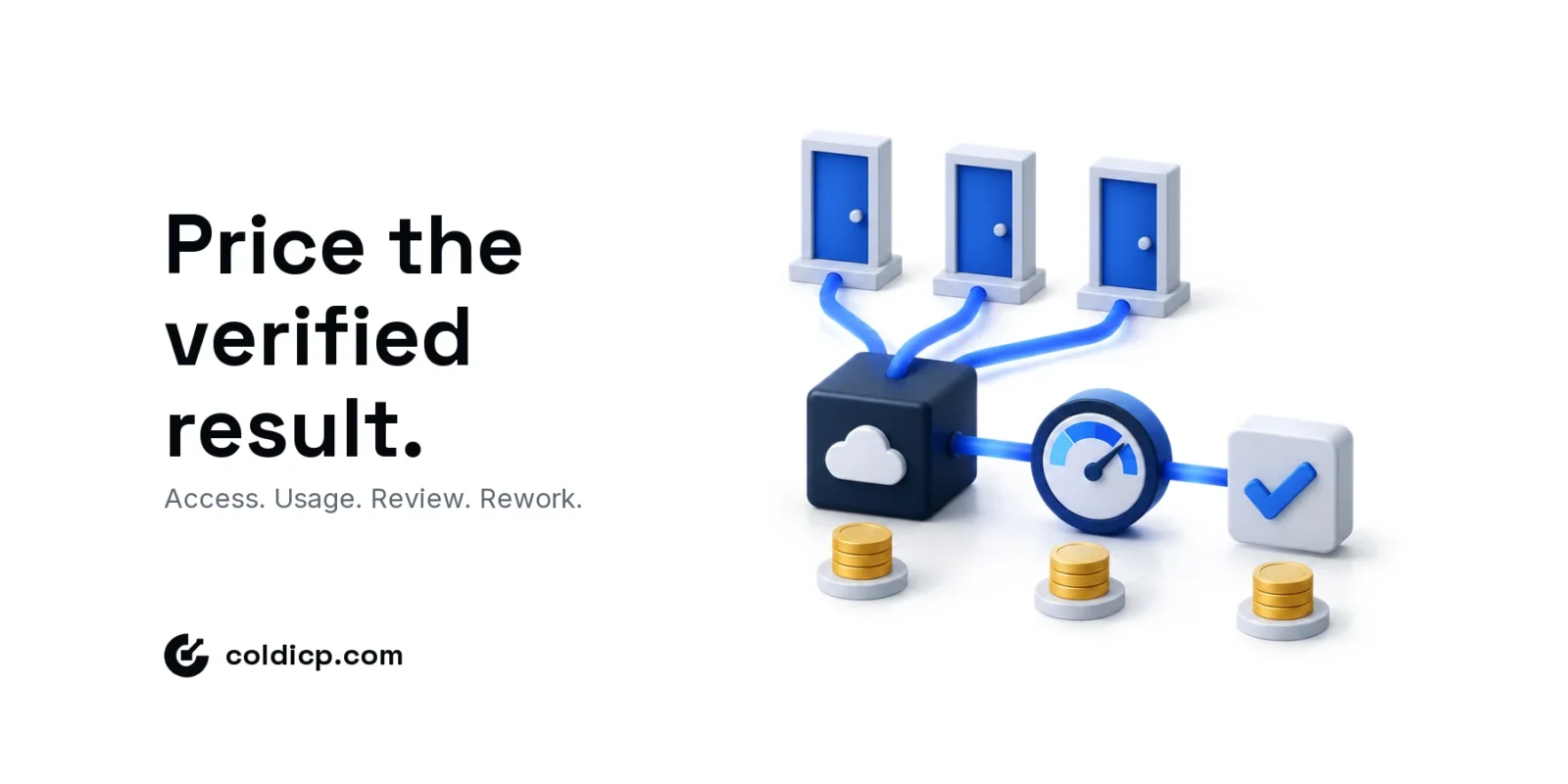
Price the verified result, not merely the subscription that opens the door.
Grok Bot pricing: the short answer
There is no separate Grok Bot subscription. Access ships inside a plan you buy from either Cursor or xAI, and xAI’s announcement of 26 August 2026 states that Grok Bot is included with all SuperGrok, Cursor Pro and Cursor Teams plans. Two routes, eight tiers, one product.
| Plan | Sold by | List price (USD) | Note |
|---|---|---|---|
| Cursor Pro | Cursor | $20 / month | Cheapest published route to Grok Bot |
| Cursor Pro+ | Cursor | $60 / month | Higher usage allowance than Pro |
| Cursor Ultra | Cursor | $200 / month | Highest individual allowance |
| Cursor Teams Standard | Cursor | $40 / user / month | Per seat; pooled team usage and admin controls |
| Cursor Teams Premium | Cursor | $120 / user / month | Per seat; larger pooled allowance |
| SuperGrok | xAI | $30 / month | Entry tier; gained Grok Bot access on 26 August 2026 |
| SuperGrok Plus | xAI | $100 / month | Larger share of the weekly usage pool |
| SuperGrok Heavy | xAI | $300 / month | Highest weekly limits |
Cursor’s figures were read from its own pricing page and team pricing documentation on 18 September 2026; annual billing discounts every individual tier. xAI does not publish SuperGrok tier prices in its documentation, so those three rows record the plan prices shown at checkout and should be re-checked on x.ai before purchase. Every figure here is an access price, not an allowance of Grok Bot work.
xAI also says usage resets weekly. That means a monthly subscription price does not describe how much sustained computer-use work a team can run. Treat public plan prices as access costs, then observe the allowance and extra-usage behavior in the account you will actually use.
| Cost layer | What to verify | Why it matters |
|---|---|---|
| Plan access | Eligible tier and monthly or annual commitment | Determines the entry cost |
| Included usage | Weekly allowance shown in the account | Sets useful work before extra spend |
| Extra usage | Eligibility, rate and spending controls | Changes the marginal run cost |
| Setup | Connections, permissions and test inputs | Creates an implementation cost |
| Review | Minutes required per accepted result | Often exceeds the software cost |
| Rework | Failed runs and correction time | Reveals whether the workflow is stable |
Which plans include Grok Bot?

Eligibility has already widened once. Grok Bot launched on the higher tiers only; the August 2026 announcement extended it to every SuperGrok tier and down to Cursor Pro, and the setup documentation now describes access through any paid individual Cursor plan, the Cursor Teams plan, or a linked SuperGrok, SuperGrok Plus or SuperGrok Heavy subscription.
That history is the reason to verify rather than copy. Check the sign-in route, billing page and setup screen for the account in question, and record the plan, date, region and what the product itself shows. A pricing article that repeats a launch-day entitlement after the rollout has moved is worse than no table.
For the operational difference between Grok Bot and a maintained code workflow, use the Grok Bot vs Claude Code comparison. Pricing makes sense only after the team chooses how it wants work executed and maintained.
How weekly usage changes Grok Bot pricing
xAI’s usage FAQ describes a shared weekly allowance for paid Grok products and an option to pay as you go or upgrade after reaching limits. Different products consume the pool differently because long-running or compute-heavy work costs more than a short chat.
That makes a universal cost-per-task claim unreliable. One account-research job might open several websites, wait for pages, inspect a CRM and produce a linked brief. Another might summarize one attached file. Measure both separately instead of calling each one a run.
Before the pilot, set a spending ceiling and decide what happens when the allowance is exhausted. The workflow should stop or request approval, not silently create variable spend.
Model three workloads before buying
Use scenarios rather than one average. The table below deliberately uses operational units instead of invented usage prices. Fill in the actual allowance and charges visible in your account.
| Scenario | Work | Human review | Decision |
|---|---|---|---|
| Light | One weekly report from approved sources | Review every result | Tests reliability and formatting |
| Moderate | Daily research queue for a fixed account set | Sample routine cases; review exceptions | Tests repeatability and allowance |
| Heavy | Several bots using multiple signed-in tools | Owners review by workflow | Tests governance, concurrency and spend |
For each scenario calculate subscription allocation, extra usage, setup hours, review minutes, accepted outputs and failed outputs. Then divide total cost by accepted outputs. That denominator prevents a fast but inaccurate workflow from looking efficient.
Include supervision and rework
Grok Bot works on a persistent cloud computer and can use browser sessions across tools. That capability saves navigation time, but it also creates governance work. Teams need a scoped job, approved sources, a defined output, access boundaries and a reviewer.
The official approval and security guidance recommends explicit boundaries for sending messages, purchases, deletion, permission changes and production changes. For outbound, add campaign enrollment, CRM overwrites and sending-volume changes to that list.
Count corrections as cost. If an operator spends fifteen minutes locating a missing source, repairing a record and rerunning the task, those minutes belong to the workflow. The existing Grok Bot cold-email pilot starts read-only for exactly this reason, and the control levels for AI sales agents explain when a job should graduate past suggestion.
Run a safe Grok Bot pricing pilot
Choose one repeatable outcome, not a general assistant. A useful GTM pilot reads a fixed campaign export, calculates agreed metrics, flags exceptions and returns source rows. It does not pause campaigns, move mailboxes or alter volume. Place that pilot inside the wider cold outreach automation map so the agent replaces a named stage rather than floating beside the system.
- Write the expected output and acceptance checklist.
- Use a fixed input so repeated runs are comparable.
- Record setup time, run count, review time and corrections.
- Keep external changes behind approval.
- Compare the result with the current manual or scripted process.
xAI’s own use-case guidance points the same way: start with read-and-prepare work, test on a second input and create a routine only after retries and failure cases are defined.
When Grok Bot is worth the cost
It is attractive when an operator needs work performed across browser-based tools, the process benefits from persistent context and the output can be reviewed cheaply. It is less attractive when a deterministic script already produces a stable result, the task requires constant correction or the required systems should not share a cloud-computer session.
Compare ownership as well as dollars. A maintained script needs someone who can update integrations. A persistent agent needs someone who can define the job, inspect results, manage access and respond when a website changes. Our B2B sales tech-stack guide helps place either option in the larger system.
For a first test, Cursor Pro at $20 a month is the cheapest way to find out whether the workflow holds at all. Move up a tier when the weekly allowance — not the feature list — is what stops the work.
The Bottom Line
Grok Bot pricing begins with plan access but ends with cost per verified output. Confirm eligibility from current official pages, observe the weekly allowance in the real account and count setup, review and rework before expanding.
If you want to test an agent against a controlled outbound workflow rather than a demo task, apply for the GTM Pilot.
FAQ
How much does Grok Bot cost?
From $20 a month on Cursor Pro to $300 on SuperGrok Heavy, with Cursor Teams seats at $40 or $120 per user. There is no standalone Grok Bot plan, and prices change during rollout, so confirm the tier at checkout.
Does Grok Bot have unlimited usage?
No. xAI documents a weekly usage allowance and possible extra usage or upgrades after limits. Check the actual account for current terms.
What hidden costs should a team include?
Include setup, permissions, operator review, failed runs, correction time and any extra usage—not only the subscription.
What is the safest first GTM pilot?
Use a read-only reporting or research task with fixed inputs, an acceptance checklist and no authority to send messages or change campaigns.