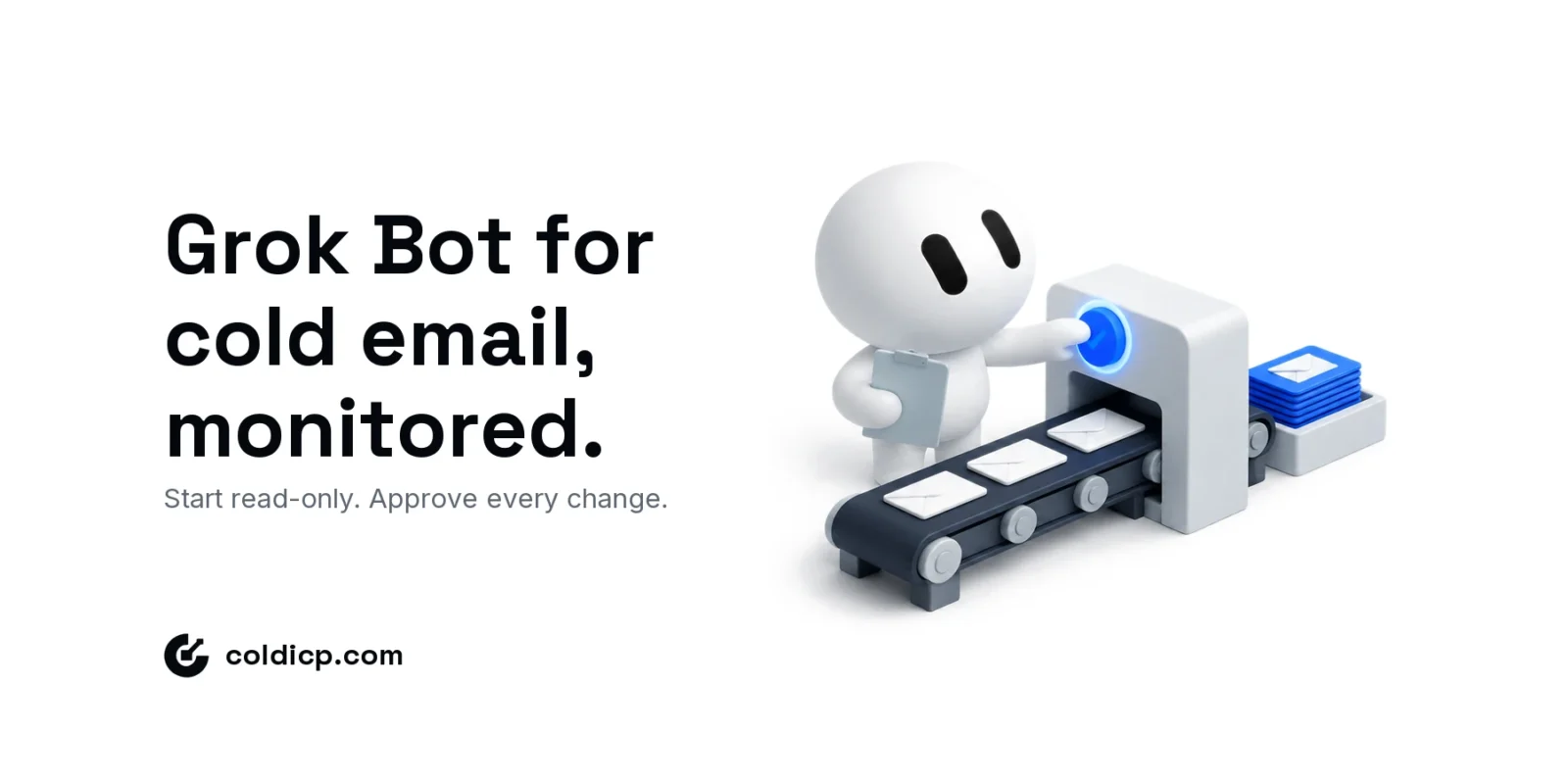
The right way to use Grok Bot for cold email is to give it one job you can check: turn a campaign export into a daily inbox-health report. Keep its access read-only, compare its numbers with the source rows for a week, and only then let it recommend changes. Pausing campaigns, swapping mailboxes and raising volume stay behind a human approval until the reports have earned trust.
Start with a report you can verify. Expand permissions only after you can explain every recommendation.
What Grok Bot changes for cold email teams
xAI’s launch announcement (August 11, 2026) describes Grok Bot as always-on agents with their own cloud computer. A Bot signs into the tools you already use, including platforms with no clean API or MCP connector, and can learn a workflow by watching you do it once and saving it as a routine. It is in beta, and its usage is billed separately from the Grok or Cursor plan that unlocks it.
Two details matter for outbound. First, app-level access means a Bot can work inside a sending platform the way an operator does, so it can see and change far more than a narrow API key would allow. Second, xAI’s own sales example is careful: its outbound Bot researches accounts overnight, scores contacts and readies an inbox of drafts to approve. The approval step is part of the vendor’s own design, and it should stay part of yours.
Decide where the Bot sits in your outbound tech stack before the trial: which system is the source of campaign metrics, where suppression records live, and who approves a pause. Otherwise the agent ends up inventing operating rules while it learns the account.
Using Grok Bot for cold email: use cases ranked by risk
Not every task is a good first job. Rank them by what breaks if the Bot gets it wrong.
- Start here (read-only): a daily inbox-health report, a campaign brief for the morning stand-up, reply triage summaries, and missing-data checks on new list imports.
- Next (draft for approval): follow-up drafts in each sender’s voice, CRM notes from reply threads, and proposed mailbox replacements with the evidence attached.
- Later, if ever (writes to live sending): pausing a campaign under a pre-agreed trigger. Keep raising limits, clearing suppression records and launching campaigns as human decisions.
That ordering is the same permission ladder we recommend for any agentic GTM workflow: read, recommend, draft, then execute one reversible action at a time.
What the public inbox-swap example actually shows
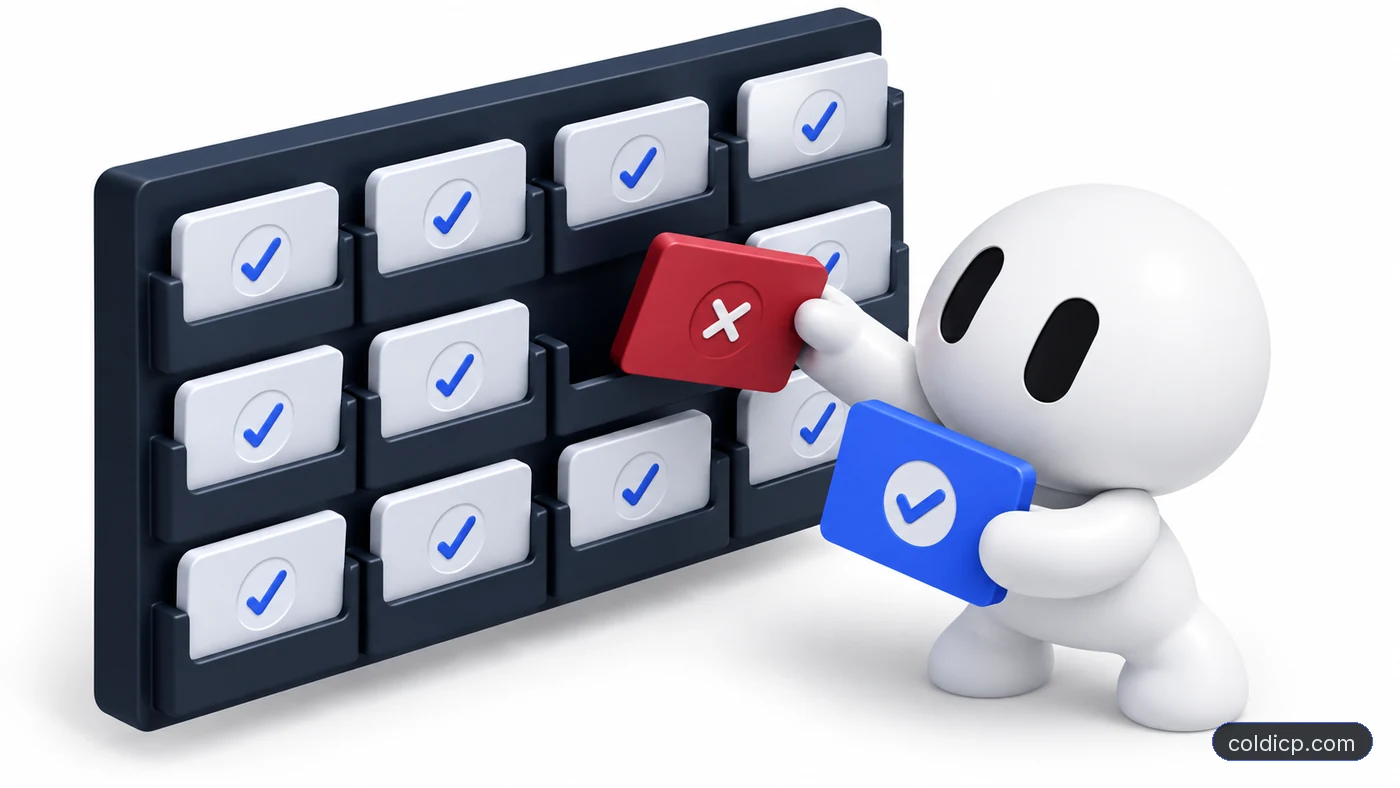
In Eric Nowoslawski’s Grok Bot walkthrough, the Bot analyzes inbox performance and helps change a client’s sending pool. He reports 64 positive responses before the change, then daily counts of 63, 112 and 76. The 112 peak is 75% above the starting day, but the days on either side of it matter just as much.
Those are positive-response counts, not reply rates, and the walkthrough does not give a fixed send count for each day. Treat it as a practitioner example of the workflow, not as proof that the swap caused the lift. What transfers is the loop: look at inbox-level data, review a proposed change, then watch what happens with the same measurements. Our reply-rate improvement guide covers the campaign-level levers that should be ruled out first.
Build your first Grok Bot for cold email report
Use a single campaign for the first run and treat it as a pilot you design, not a built-in Grok Bot feature.
- Prepare the input. Export the last 14 complete days: campaign ID, mailbox, recipient-provider group where available, attempted sends, accepted messages, hard bounces and unique human replies. Keep positive replies in their own column.
- Fix the comparison. Compare the latest seven complete days with the seven before, using identical metric definitions. Note any list, copy or schedule change that makes the windows less comparable.
- Limit the task. Ask for a report only. Leave recipient message bodies out unless they are needed, and hand over an export if the integration cannot enforce read-only access.
- Require evidence. Every flag names the mailbox, shows numerator and denominator, states the window and points back to the source row.
- Check the result. Recalculate the flagged rows and a sample of unflagged ones. Log false alarms and misses before the next run.
A usable report looks like this example for campaign 118, comparing the last seven days with the seven before. The numbers show the format, not benchmarks.
| Mailbox | Accepted | Hard bounce | Human reply | Flag |
|---|---|---|---|---|
| [email protected] | 412 | 0.5% | 2.2% | OK |
| [email protected] | 398 | 2.8% | 0.8% | Investigate |
| [email protected] | 187 | — | — | Sample too small |
| [email protected] | 405 | 0.7% | 1.9% | OK |
Set a minimum sample before ranking changes, for example 200 accepted messages per mailbox per window, and label anything below it “sample too small.” That is a review rule for the pilot, not statistical proof, and it is never a reason to send more to reach the minimum.
Keep campaign changes behind approval
A falling reply rate is a reason to investigate, not evidence that a mailbox needs replacing. Before approving anything, the reviewer checks delivery errors, audience changes, send activity and whether recipients have had time to respond.
| Task | Pilot permission | Human decision |
|---|---|---|
| Summarize inbox metrics | Read approved data | Confirm definitions and calculations |
| Flag a performance change | Recommend investigation | Check sample size and other causes |
| Pause a campaign | No write access at first | Approve scope and record the reason |
| Replace a sending mailbox | Prepare a proposal | Verify readiness and keep suppression rules |
| Change copy or targeting | Draft suggestions | Review accuracy, fit and test design |
| Increase sending limits | Never automatic | A separate capacity decision |
Change one thing at a time. If a mailbox swap and a copy change ship together, you will not know which one moved the numbers.
Scope access before connecting accounts
List the operations the report needs, such as reading campaign statistics and mailbox status, before you connect anything. Use a service account or scoped token where the sending platform supports one. Because Grok Bot can work through an app’s interface, a login with campaign-write rights gives it those rights, whatever the prompt says. Calling the task “read-only” in an instruction does not remove a permission.
Keep credentials out of reports and shared files. Record who owns each integration and how to revoke it, then test revocation during the pilot. If you are still deciding between a hosted agent and a script your team maintains, read our Grok Bot vs Claude Code comparison first.
Decide whether the pilot earned a routine
Run the same Grok Bot for cold email report for five working days. Track completed runs, calculation errors, missed flags, review minutes and recommendations the reviewer accepted. Five days tells you whether the report is useful; it does not tell you whether deliverability improved.
Make the report a routine only when its owner can reproduce the important findings. The sensible next step is an alert when a reviewed condition is met. Any write access is a separate decision with a defined action, a log and a recovery path; the deliverability monitoring runbook shows how to set those controls.
Budget for the whole pilot: the qualifying subscription, the Bot’s separate usage, integration charges, review time and incident handling. xAI lists access through SuperGrok, SuperGrok Plus and SuperGrok Heavy, and through Cursor Pro, Pro+, Ultra and Teams plans, while enterprise access is waitlisted. Check current eligibility and allowances before you commit, because beta terms change.
Before expanding the pilot, calculate access, usage, review and rework together; the Grok Bot pricing guide provides a cost-per-verified-output model.
The Bottom Line
Grok Bot for cold email is most useful when it makes campaign data easier to inspect. A traceable daily report, a fixed comparison window and a clear approval boundary are a real first deliverable. Widen its role only when the pilot shows accurate work and measurable time saved.
COLDICP has taken 22+ clients from email infrastructure setup to campaign live. If you want help defining the system and operating rules an agent should work inside, apply for the GTM Pilot and bring the campaign data and the task you want to hand off.
FAQ
Can Grok Bot run a cold email campaign?
It can work inside sending tools, and xAI describes outbound use. For live campaigns, keep it on reports and drafts first, and keep sending changes behind explicit approval until its output has been checked.
What are the best Grok Bot use cases for cold email?
Daily inbox-health reports, campaign briefs, reply triage summaries and list-import checks. They are read-only, easy to verify and useful on day one.
How much does Grok Bot cost?
It comes with eligible SuperGrok and Cursor plans, with Bot usage billed separately from those plans. Check xAI’s current plan list and usage allowances, since the product is in beta.
What if my sending tool has no read-only API key?
Give the Bot a limited export for the first report, or use an integration that enforces the permissions you need. A written instruction does not reduce what a broad login or key can do.