The best cold email is not the best-written email. It is the email that arrives at the exact moment a prospect is actively experiencing the problem you solve. Timing beats volume, a finding HubSpot’s sales research reaches repeatedly from a different direction.
Signal-led outbound is the systematic approach to making that timing repeatable. Instead of sending to your ICP list at random intervals, you define specific trigger events that indicate buying readiness — and your outbound system fires automatically when those signals appear. The result is higher reply rates, fewer wasted sequences, and a fundamentally more efficient pipeline generation system.
What Is a Signal in Outbound Context?
A signal is any observable event that suggests an account’s likelihood of buying has increased. Signals are not guarantees — they are probabilistic indicators. The more signals from a single account, the stronger the case for immediate outreach.
Signals come from three layers:
- Company layer: Funding, hiring, leadership changes, product launches, press coverage, expansions
- Role/contact layer: Job change, role promotion, LinkedIn activity, conference attendance, content engagement
- Behavioral layer: Website visits, content downloads, review site research, competitor comparisons
The Highest-Value Signals for Cold Outbound
| Signal | What It Implies | Response Window | Sequence Trigger |
|---|---|---|---|
| New funding round | Budget to invest, mandate to scale | 30–60 days | Immediate |
| New VP Sales / CMO hire | New leader = new stack = new budget | 30–90 days | Within 1 week of announcement |
| Hiring SDRs / BDRs | Scaling outbound = buying outbound tools | Ongoing | When first SDR job post appears |
| Competitor review on G2/Capterra | Actively evaluating the category | 7–14 days | Within 48 hours |
| Intent data spike (Bombora) | Content research on your topic | 1–2 weeks | Within 5 days |
| Website visit (pricing/demo) | High-intent consideration | 24–48 hours | Same day |
| LinkedIn post engagement | Awareness and possible interest | Ongoing | Within 24 hours |
How to Build a Signal-Led Outbound System
Step 1: Define Your Signal Stack
Choose 3–5 signals you will track systematically. Start with the highest-intent signals that are easiest to capture: funding announcements (Crunchbase), job postings (LinkedIn), and website visits (Clearbit Reveal or RB2B). Add intent data layers (Bombora, G2) once your basic signal system is running.
Step 2: Build Your Signal-to-Sequence Map
For each signal, pre-write a sequence specifically referencing the context that signal implies. The sequence does not say “I saw you got funded” — it speaks to the strategic challenge that typically follows that event. Example for a new VP Sales hire:
“New sales leaders at [Company size] SaaS companies usually audit their outbound infrastructure within 90 days of starting. The gap most find: high sequence volume with reply rates below 2% and no signal-based triggers in place. We’ve helped 3 VPs at similar-stage companies fix that in under 60 days.”
Step 3: Automate the Trigger
Manual signal monitoring does not scale. Use Clay to aggregate signals from multiple sources and automatically add accounts to your sequencing tool when triggers fire. The workflow: Clay monitors for signals → ICP filter applied → matching accounts added to Instantly/Smartlead sequence automatically → sequence fires within the response window.
This is the core of the B2B outbound system architecture we deploy for clients — every sequence has a trigger, not just a list.
Step 4: Set Response Windows and Expiry Logic
Signals have a shelf life. A funding announcement from 6 months ago is no longer a meaningful trigger. Build expiry logic into your system: if an account has not been sequenced within the signal’s response window, suppress them until a fresh signal fires. This keeps your sequences relevant and prevents stale-signal outreach that reads as generic spam.
Trigger Events vs Buying Signals: Stack Them Before You Send
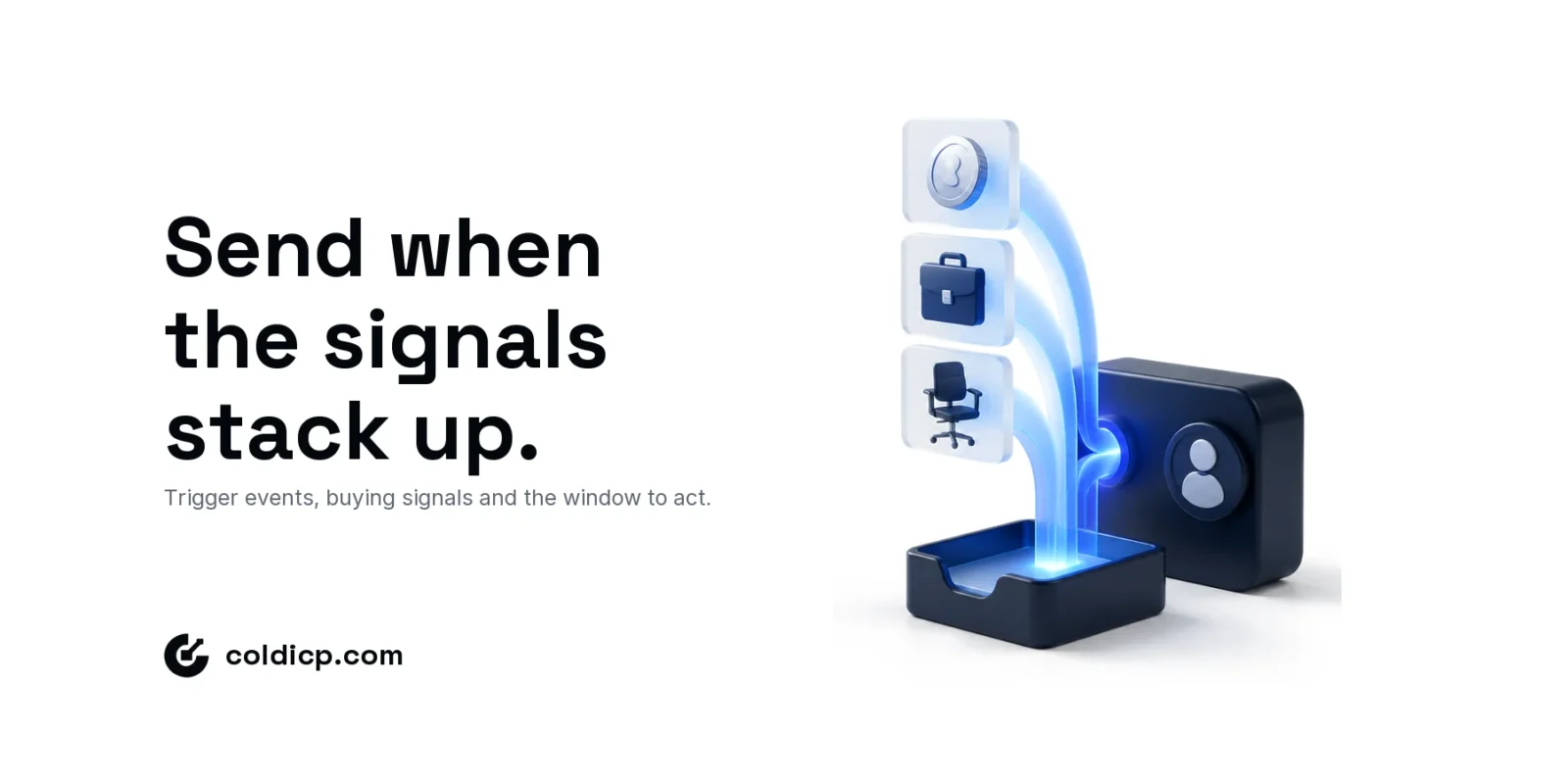
The two terms are often used as synonyms, but they are not the same thing. A trigger event is a company-level change you can date: a funding round, a new executive, an acquisition, a product launch or a new system in the tech stack. A buying signal is broader. It includes trigger events, and it also includes behaviour, such as pricing-page visits, competitor reviews and spikes in intent data.
The distinction matters for scoring. One trigger event rarely justifies a dedicated sequence. It shows that something changed, not that the change touches your offer. Signals become a real trigger when several land on the same account inside the same window. The table shows how a stack changes the action.
| Signals on the account | What it tells you | Action |
|---|---|---|
| Funding round only | Budget exists, but its priority is unknown | Keep the account in the standard ICP sequence |
| Funding + SDR job posts | Budget is going into outbound | Signal sequence inside the funding window |
| Funding + SDR hiring + new VP Sales | A new owner, new budget and a visible outbound build | Priority sequence plus a LinkedIn touch from a senior sender |
| Acquisition or merger | Tool overlap and a process reset are coming | Consolidation angle once the deal has closed |
| New CRM or sequencer in the stack | An operational transition is under way | Offer help with the migration, not with the tool itself |
Score fit and timing separately. Fit says whether the account should ever buy, and your ICP scoring model owns that. Timing says whether it might buy now, and the signal stack owns that. A stack also expires with its fastest-decaying member: when a pricing-page visit is part of the stack, the window is days, not the quarter a funding round would allow on its own.
Signal-Led Copy vs Standard Cold Email
Signal-led sequences read differently from generic ICP sequences. They are shorter (60–100 words), more specific (they reference the contextual signal without explicitly naming the data source), and they open with an observation rather than an introduction.
Key principles for signal-led copy:
- Reference the problem implied by the signal, not the signal itself
- Be specific about the problem — generic “I can help you grow” copy wastes the signal
- Keep the ask small — a 15-minute call or a single question, not a full demo
- Move fast — the value of signal-led outbound is timing. Slow sequences miss the window.
For the full framework on writing copy that converts, see our guide on cold email copywriting for B2B outbound.
Measuring Signal-Led vs Standard Outbound Performance
The performance gap between signal-triggered and non-signal sequences is significant. Across COLDICP deployments, signal-triggered sequences generate 2–4x the positive reply rate of equivalent ICP sequences sent without a trigger. The mechanism is simple: timing amplifies relevance.
Track your sequences by trigger type in your sequencing tool. Segment your reporting: signal sequences vs ICP sequences vs re-engagement. This data tells you which signals drive the most pipeline and where to invest in signal sourcing infrastructure.
Further Reading
B2B Outbound Agency: signals wired into a complete outbound system
Conclusion
Signal-led outbound is how modern B2B teams stop interrupting and start engaging. Define your signals, map them to pre-written sequences, automate the triggers, and respect the response windows. The system runs continuously, firing the right sequence at the right account at the right moment — with no manual intervention required once it is built.
COLDICP deploys signal-led outbound systems for B2B teams with TAMs above 500,000 contacts. Start a conversation.
Frequently Asked Questions
What tools do I need to run signal-led outbound?
At minimum: a signal aggregation tool (Clay, or LinkedIn + Crunchbase manually), a list verification tool (ZeroBounce), and a sequencing platform (Instantly, Smartlead). Add Bombora or G2 intent data for higher-volume programs. Clay is the connective tissue that automates signal monitoring and sequence enrollment.
How many signals should I track at once?
Start with 3 high-confidence signals — funding, hiring for relevant roles, and new leadership hires. Get those running well before adding more. Adding too many signals at once makes it difficult to attribute performance to specific triggers.
Is signal-led outbound better than standard ICP outbound?
It is more efficient — higher reply rates per sequence sent — but not necessarily higher volume. The two approaches complement each other: signal-led sequences run as real-time triggers on high-intent accounts, while standard ICP sequences run at volume on the broader SAM. Run both in parallel, tiered by signal strength.
Can a solo founder run signal-led outbound?
Yes. Set up Google Alerts for target company names, monitor LinkedIn for job postings manually, and track funding via Crunchbase free alerts. This is slower than a fully automated Clay setup but directionally identical. Start manual, automate once you have validated which signals drive the best results for your ICP.